Step01
Day workshop & analysis
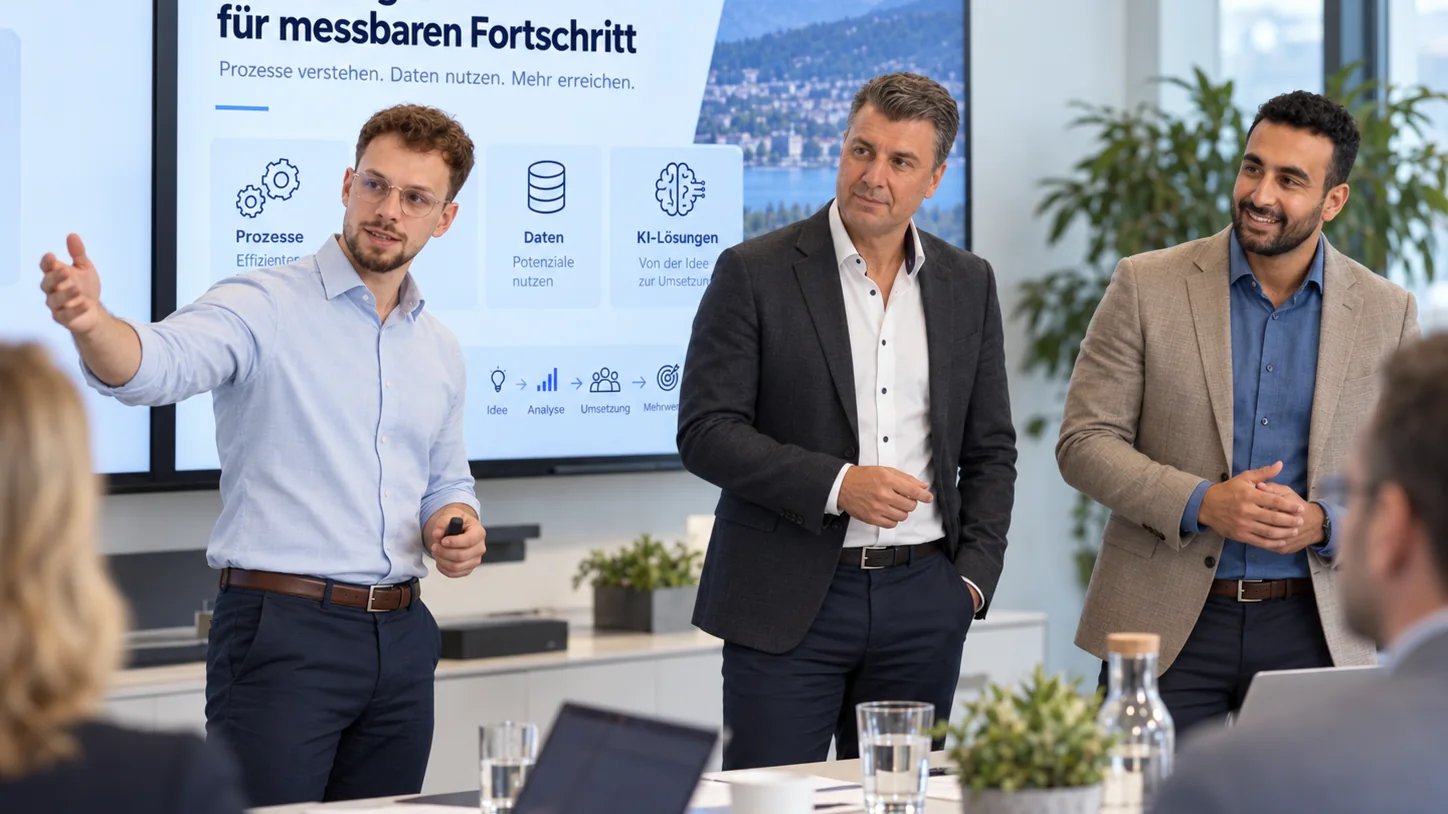
For one day we look for bottlenecks, media breaks and use cases with your team. Afterwards it is clear what is worth doing first.
Connected, integrated, productive.
Motif: A-construction from the brand · signals on the three paths are design, not measured values
Not an off-the-shelf tool. We build systems that connect your data, understand your workflows and fit into your existing landscape.
We connect to how you actually work: ERP, CRM, DMS, telephony, APIs. Not another isolated tool, but automation where the work happens.
Your data sits in mailboxes, Excel lists and isolated systems. We connect it and prepare it so that automated workflows can build on it in a traceable way.
We tailor every system to your roles, approvals, data and goals. What works elsewhere does not automatically fit your business.
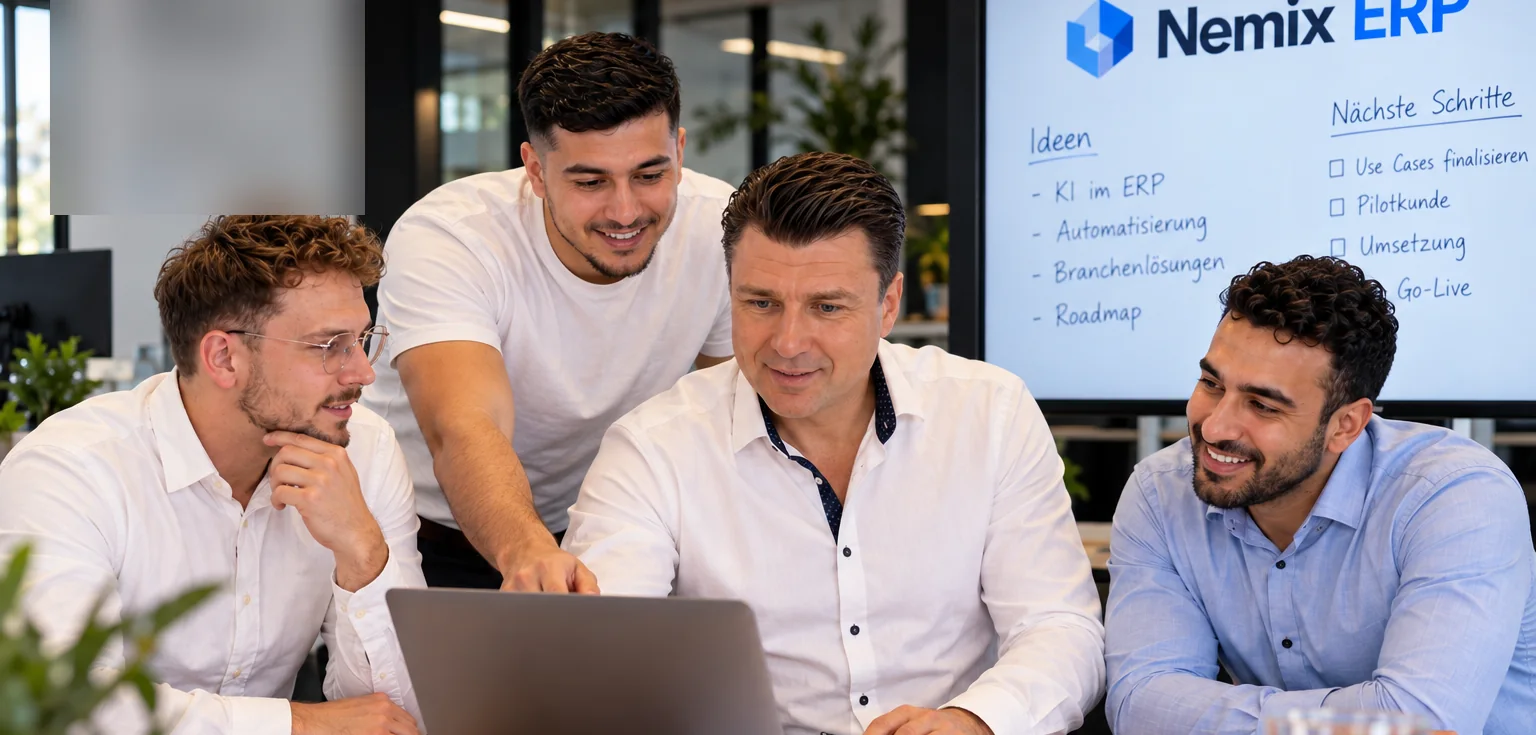
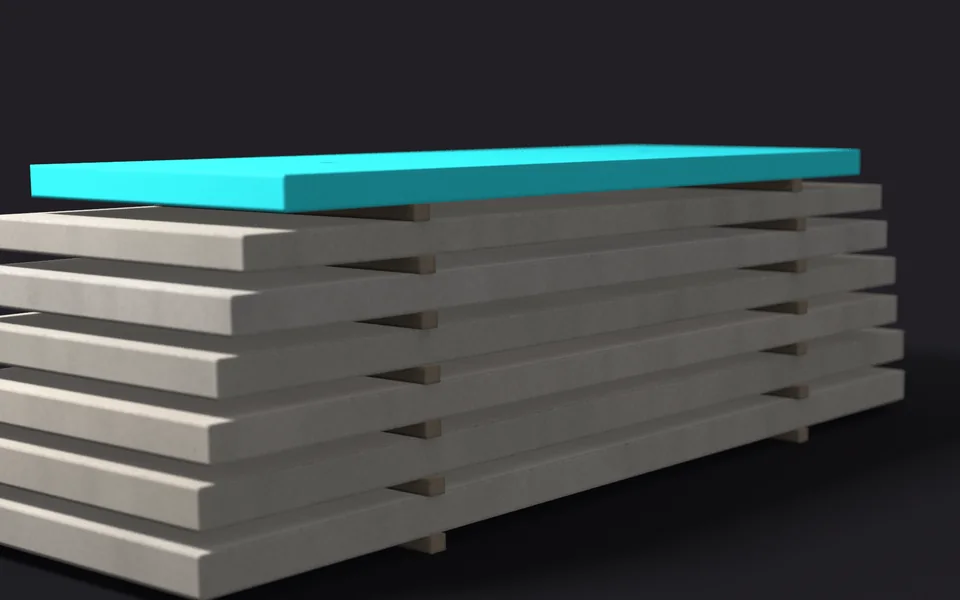
Where standard models fall short, we build custom AI applications along your domain logic. One example is our AI stacking for precast concrete elements.
 AI image
The idea is rarely the problem. What is usually missing is the connection to the data, integration into the workflow and a link to your own business.
AI is treated as a standalone tool instead of part of a solid system architecture.
Data sits in email, Excel and isolated systems, fragmented, and so cannot be connected.
Use cases are too generic and match neither operational reality nor real priorities.
Cyan: system steps
Understand first, then plan, then build. And once it runs, we keep looking after operations.
For one day we look for bottlenecks, media breaks and use cases with your team. Afterwards it is clear what is worth doing first.
Together we define the target architecture: AI applications, data flows, roles, approvals and integrations.
We build, integrate and run the solution long term, with monitoring, KPIs, logs and documentation.
A glimpse of our work: concrete requirements, turned into applications that are connected to your systems.
Cyan: what the system delivers
 AI image
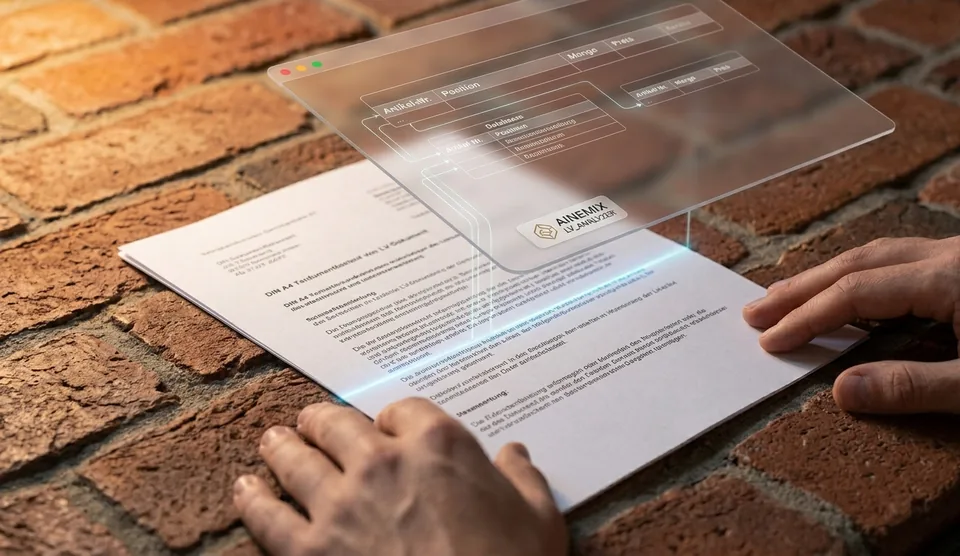
Evaluate bills of quantities automatically, flag relevant items, check standards references and classify them professionally.
 AI image
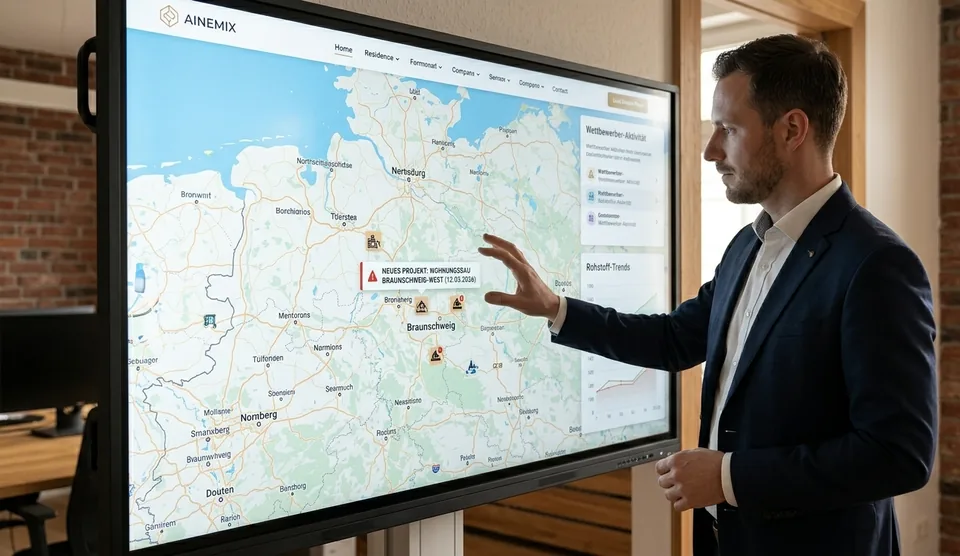
Regional research logic: identify construction projects, place them geographically and pre-sort them by relevance and sales potential.
 Result
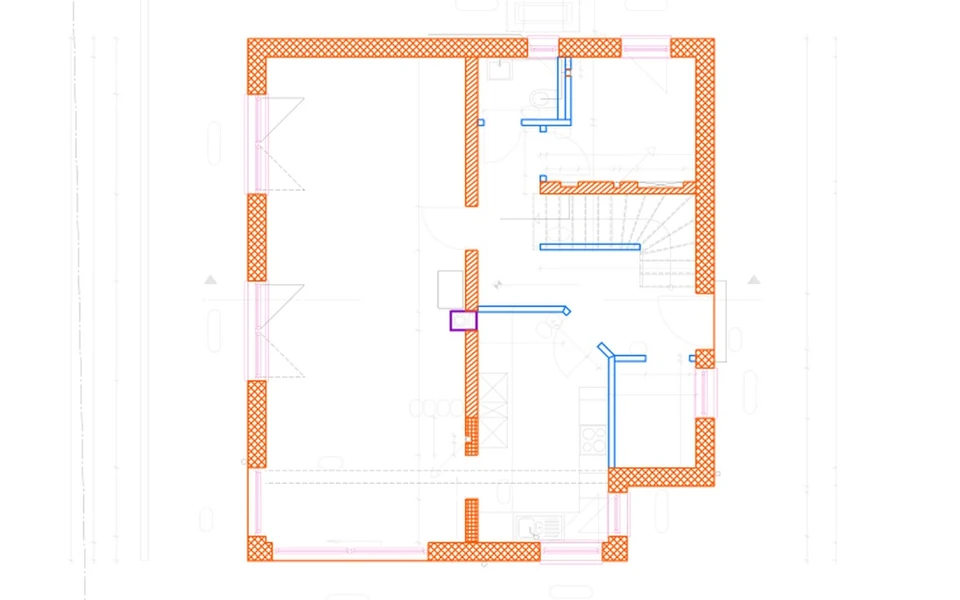
Read floor plans automatically, detect rooms and areas, extract dimensions and provide them structured for costing and planning.
 Graphic
A neural network stacks large precast concrete elements for transport. Trained on thousands of historical records.
 AI image
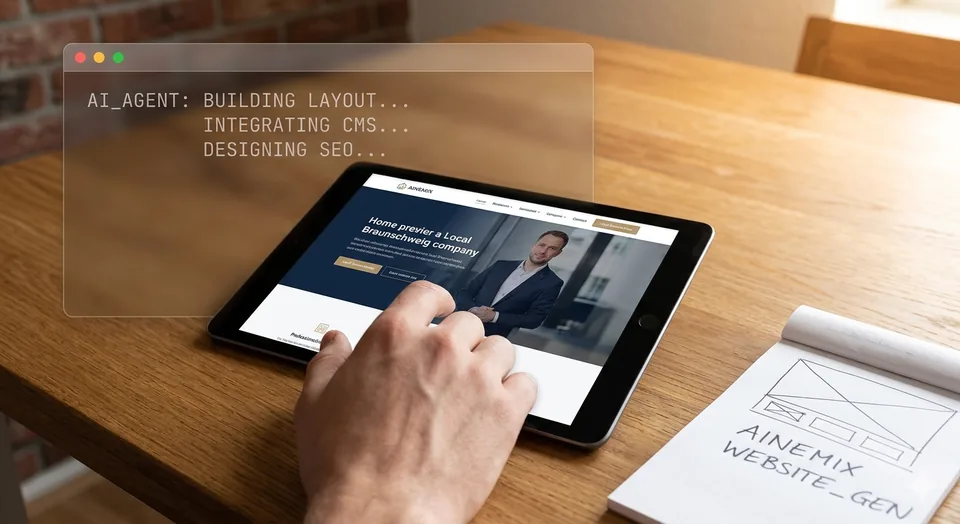
Rebuild existing websites automatically: the old site supplies the content, the result is a modern web presence.
 AI image
A phone assistant for follow-up questions, scheduling and recurring service requests, connected to your processes.
 AI image
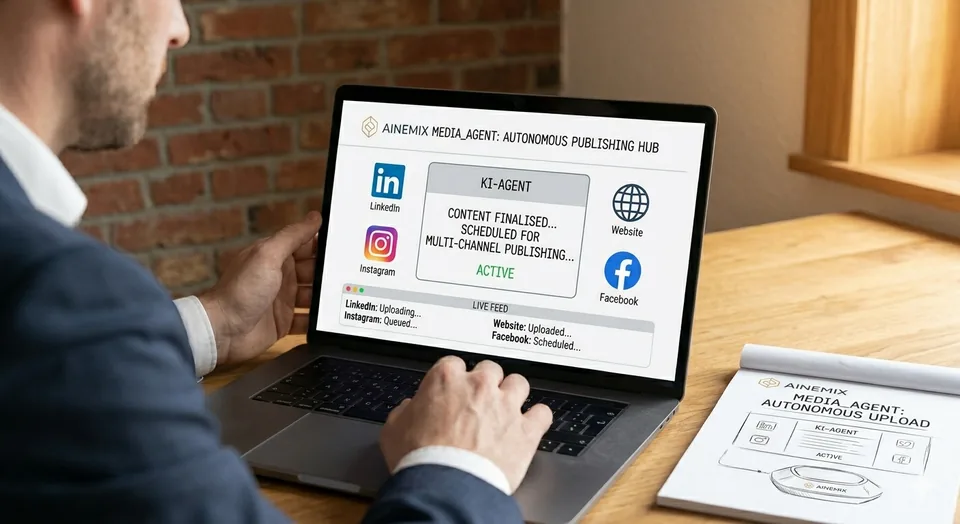
Create posts automatically, structure them editorially and publish across platforms, consistently and without capacity bottlenecks.
The examples stand for larger operational systems. Tell us about your case. Book an initial call



AiNemix ERP is the first AI-native ERP for the German Mittelstand: AI at the core rather than bolted on – and an in-house development team that builds your adjustments directly, not as a customising project.
In-house development, currently in progress
We combine decades of experience in project management with deep expertise in automation. That is how we get your project over the line.
 AI image
 AI image
Calculated conservatively at 60% automation. The calculator shows time potential only. Error costs, response time and quality gains are not yet included.
Annual potential
156.000 €
Time only, excluding quality, follow-up and error costs.
Answers to questions that often come up before the first conversation.
That depends on how far along you are. A day workshop is often the best entry point: afterwards priorities, workflows and the most important use cases are clear.
Via APIs, webhooks, databases and connectors to CRM, ERP, DMS, M365, Google and telephony systems. The goal is always a stable, maintainable connection into your existing processes.
Yes. Where standard models are not enough, we build custom AI applications along your domain logic, data and quality requirements.
Depending on the project: prioritised roadmaps, architecture concepts, implemented AI applications, integrated workflows, monitoring, documentation and ongoing development.
Briefly describe your process. You will get an honest assessment of whether automation or AI makes sense here, and what the cleanest starting point would be.
From data integration to productive AI, cleanly embedded in your processes.